Welcome to your every-so-often roundup of what’s new in the Care.com experience for professional caregivers. In these updates, we’ll share what’s new, what’s next, and our top tips on how to get the most out of Care.com.
What’s new
Give your bio a glow-up with AI 🤖 ✨
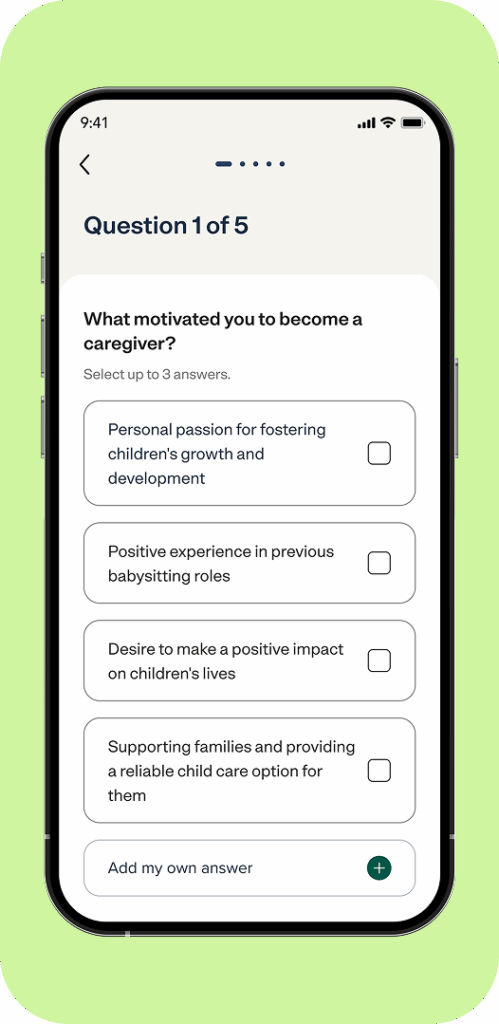
Does your bio need a little love? You can now use AI to quickly and easily update it so it better highlights what families are looking for. We’ll ask you a few questions to refine your bio and help you stand out. Add an AI-assisted bio now.
Updated availability, better matches 🧩
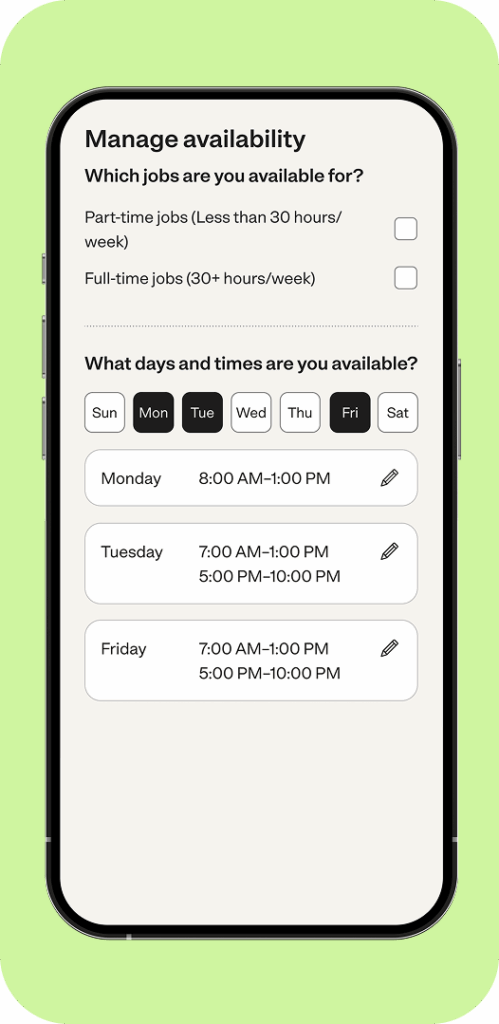
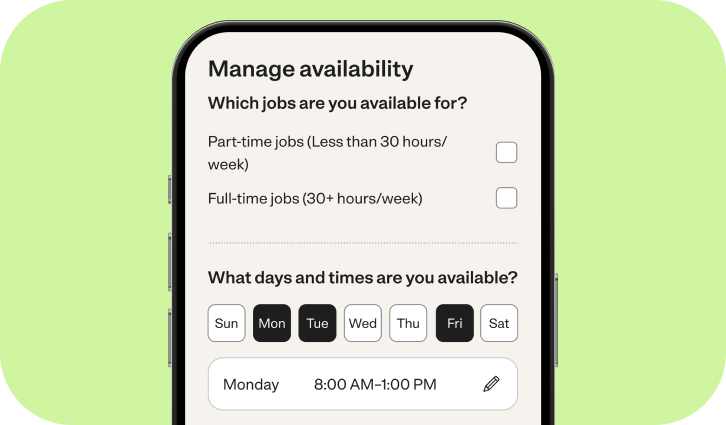
At the end of July, we asked you to update your availability—you’ll also start seeing monthly prompts in the app to keep your availability fresh. Still need to add yours? Update it now.
Get notified even if you’re not the right fit 📥
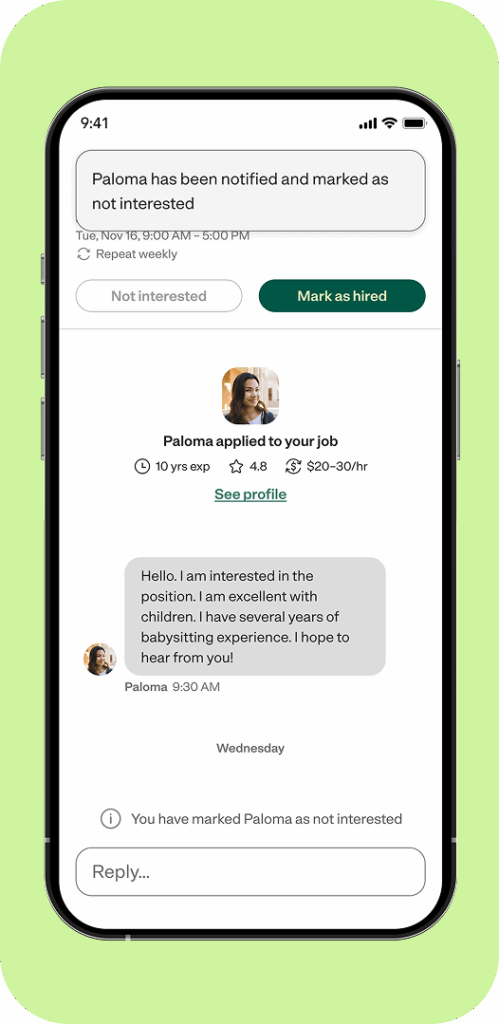
We’re rolling out a new feature that makes it easier for families to let you know when you’re not selected for a job, so you’re not just left hanging. If a family clicks the “Not interested” button in their inbox, you’ll get an automatic notification letting you know the family has decided you’re not the right match—so you’ll always know where you stand. Check your notifications now.
What’s next
Over the coming months, we are working on some features for families to help them more easily connect and engage with you—meaning you’ll be better matched to the right jobs and know where your application stands.
Availability gets a boost 📅
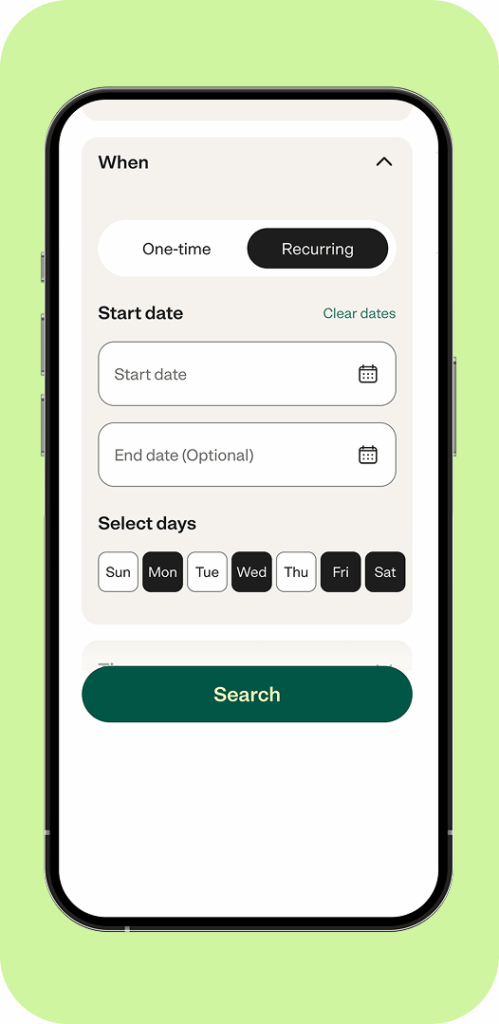
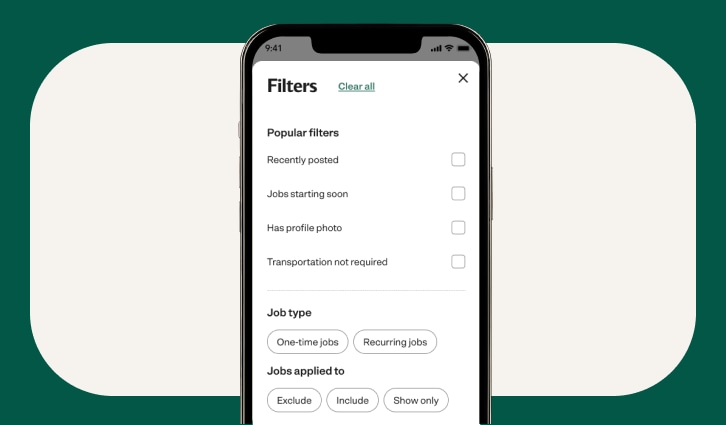
Soon, families will be able to filter for caregivers like you based on availability. Keep your availability updated so you show up when it matters most.
Family hiring hub launches
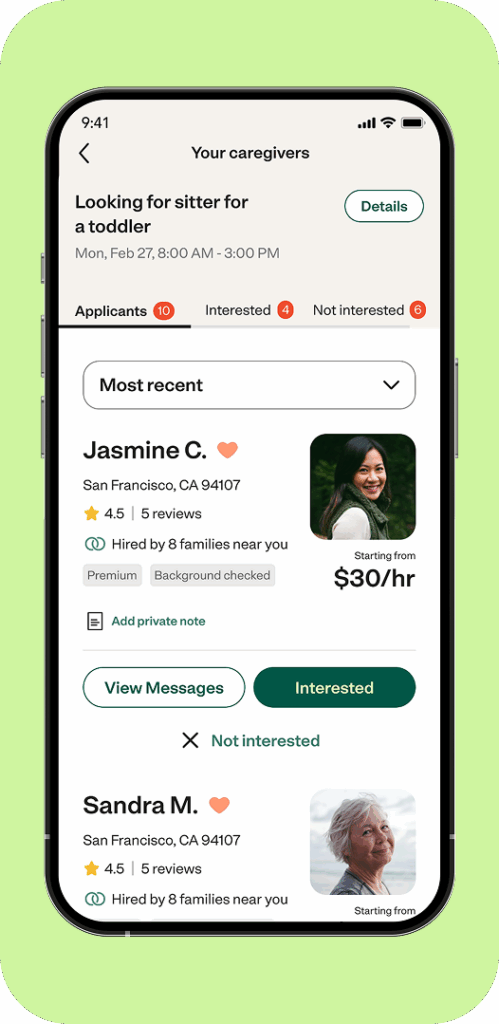
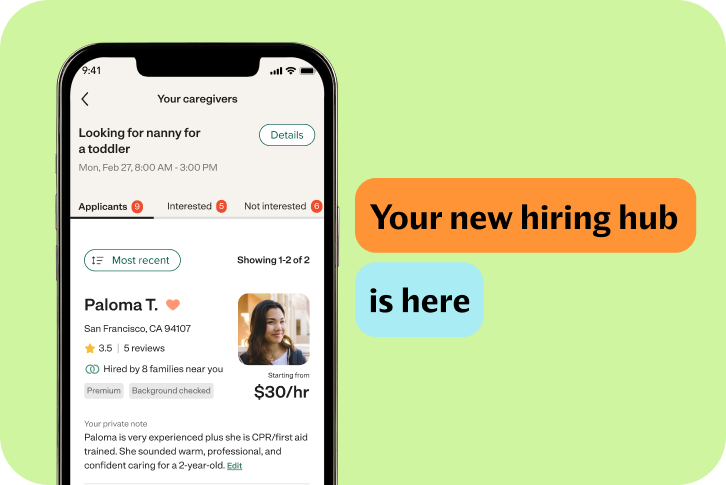
In the next few weeks, we’ll be changing how families manage their job posts with a new hiring hub. The hiring hub will make it easier for families to compare applicants, create shortlists, and stay organized—meaning faster hiring decisions for you and families.
Pro tips
Don’t be a ghost 👻🚫
Finding the right job starts with good communication. That’s why we ask you to respond to all messages within 48 hours—even if the job isn’t the right fit. Your responsiveness is considered as part of how you are ranked in search results, and shown to families on your profile.
Make your experience count ⏰
We recently added the ability for families to filter caregivers based on their years of experience. Years of experience aren’t updated automatically, so you’ll need to update yours if you got another year of caregiving under your belt.