Welcome to your every-so-often roundup of what’s new in the Care.com experience for families. In these updates, we’ll share what’s new, what’s next, and our top tips on how to get the most out of Care.com.
What’s new
Save your search for later 🔖

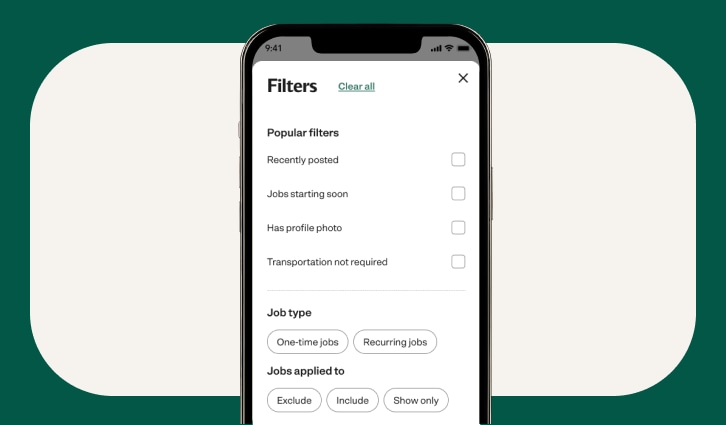
No need to start from scratch each time you search! With our new saved search feature, you can save any search—including all filters, keywords, and criteria. Quickly access your saved searches from the dropdown menu, rename or delete them, and pick up right where you left off.
Respond faster, even when it’s a no 🙅♀️✅
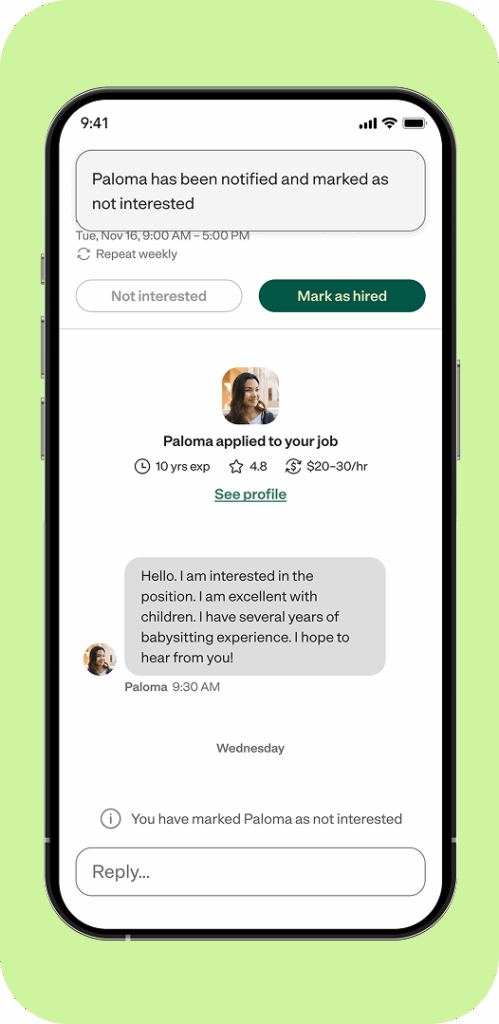
When caregivers apply to your jobs, you can now quickly hit “Not interested” in your inbox and we’ll notify applicants automatically—without needing to craft your own message—so they’re not left wondering.
Remember: there’s a real person on the other side who’s waiting to hear from you, so we ask that all Care.com members respond to applicants within 48 hours, even if they’re not the right fit. And yes, hitting the “Not interested” button counts as a response!
Find what you need—in your own words ✍️
We’re continuing to improve AI-powered search to make finding the right caregiver easier than ever. You can type what you’re looking for in your own words—like “nanny who can help with light housekeeping”—and our search will understand and deliver the best matches for your needs.
What’s next
Your personal hiring hub 🗂
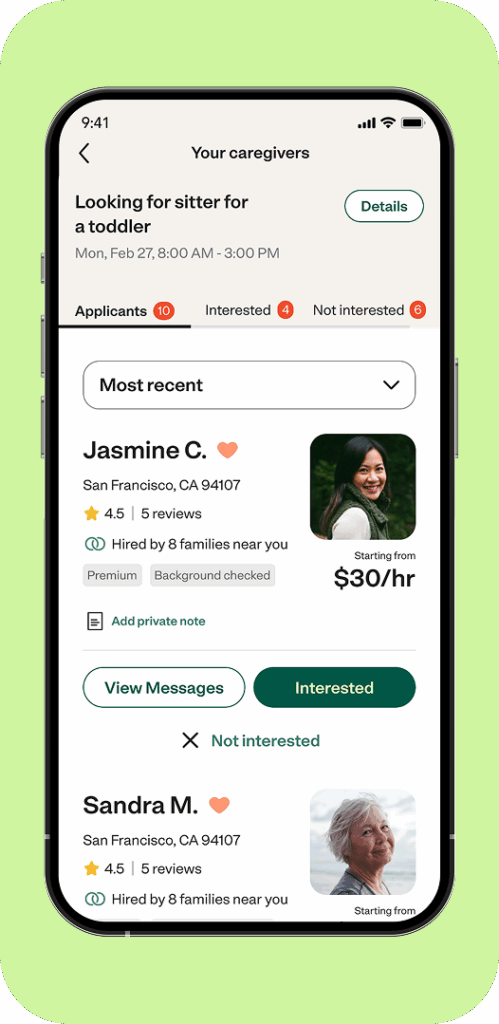
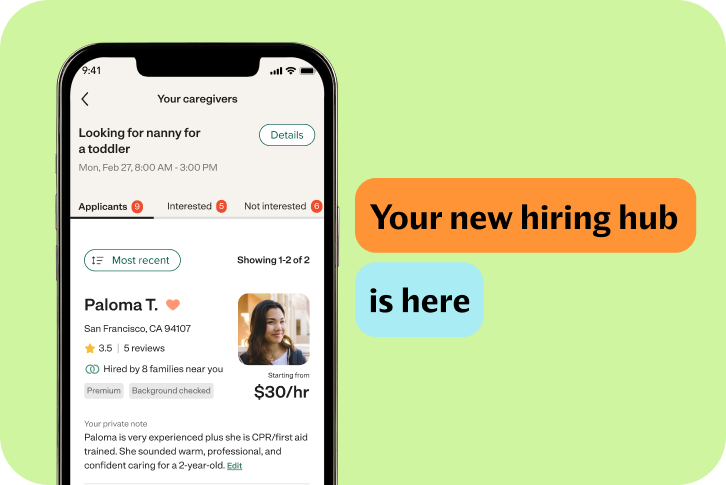
Managing job posts and applicants is about to get easier. With your new hiring hub, you’ll have a centralized dashboard to keep everything organized. Compare applicants, create shortlists, reject candidates, send messages, and even reopen past job postings—all in one place.
Search by availability 📅
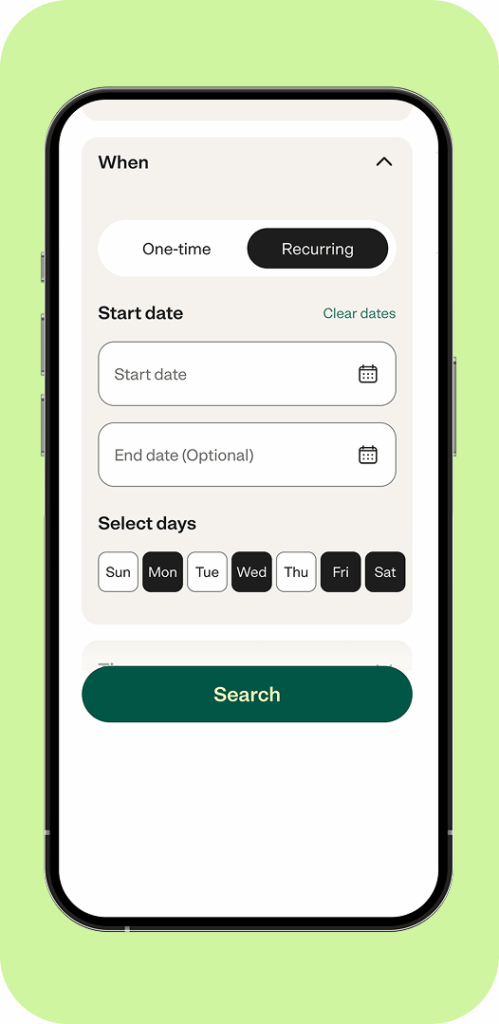
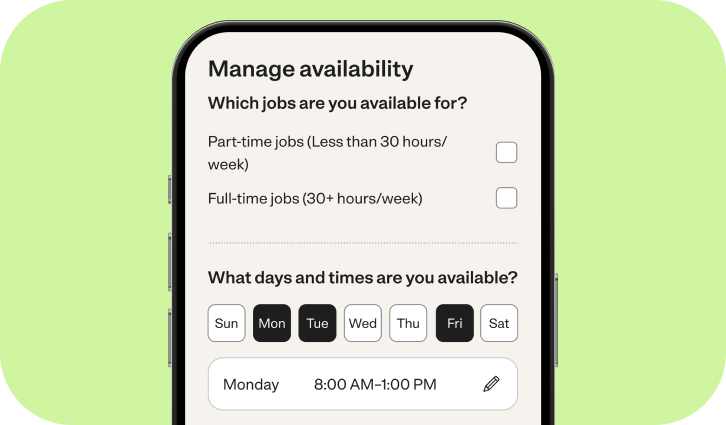
Soon, you’ll be able to filter caregivers based on their availability. This means better matches for your schedule and a faster hiring process.